




This block defines parameters for snapping, i.e., process for mesh alignment with the geometry.
    // Number of patch smoothing iterations before finding correspondence
    // to surface
    nSmoothPatch 3;

    // Maximum relative distance for points to be attracted by surface.
    // True distance is this factor times local maximum edge length.
    // Note: changed(corrected) w.r.t 17x! (17x used 2* tolerance)
    tolerance 2.0;

    // Number of mesh displacement relaxation iterations.
    nSolveIter 30;

    // Maximum number of snapping relaxation iterations. Should stop
    // before upon reaching a correct mesh.
    nRelaxIter 5;

    // Feature snapping

        // Number of feature edge snapping iterations.
        // Leave out altogether to disable.
        nFeatureSnapIter 10;

        // Detect (geometric only) features by sampling the surface
        // (default=false).
        implicitFeatureSnap false;

        // Use castellatedMeshControls::features (default = true)
        explicitFeatureSnap true;

        // Detect features between multiple surfaces
        // (only for explicitFeatureSnap, default = false)
        multiRegionFeatureSnap false;
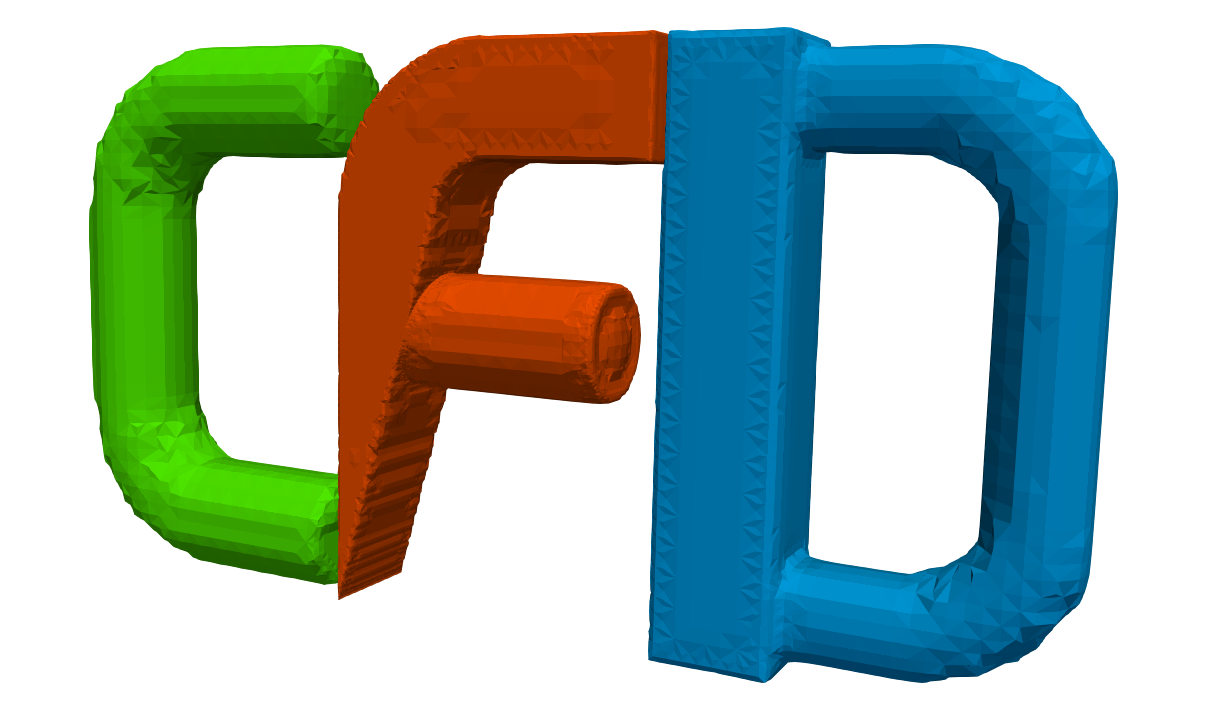
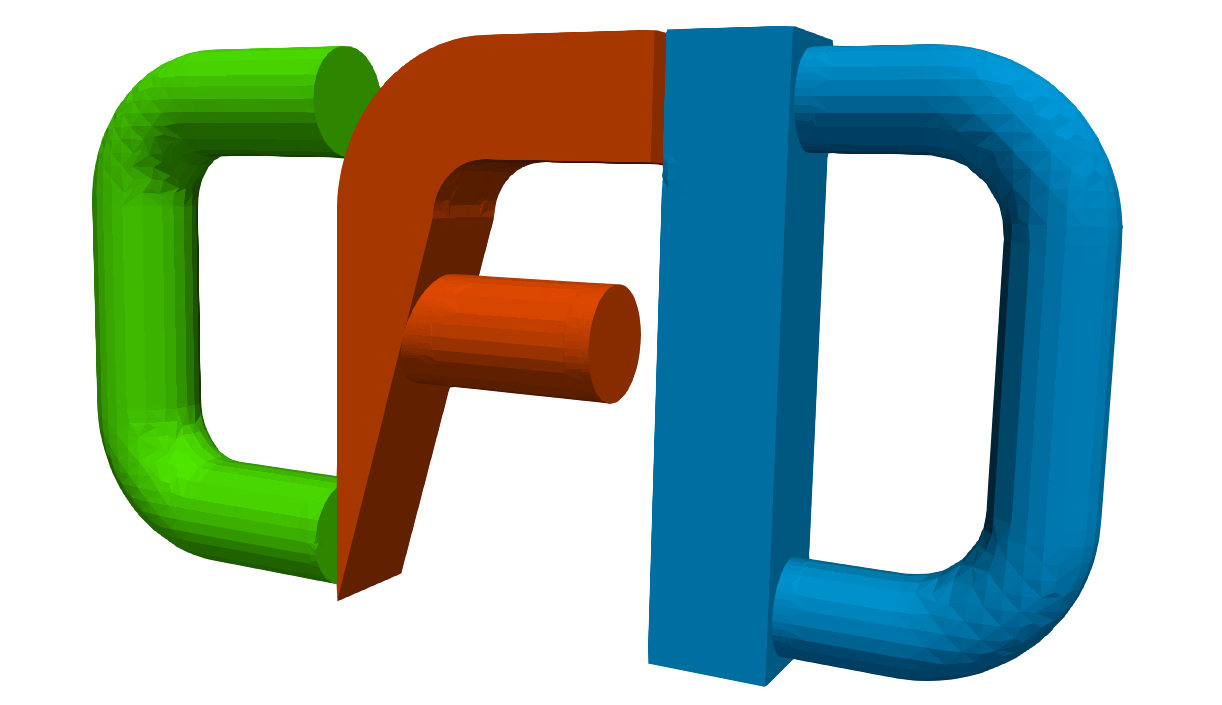
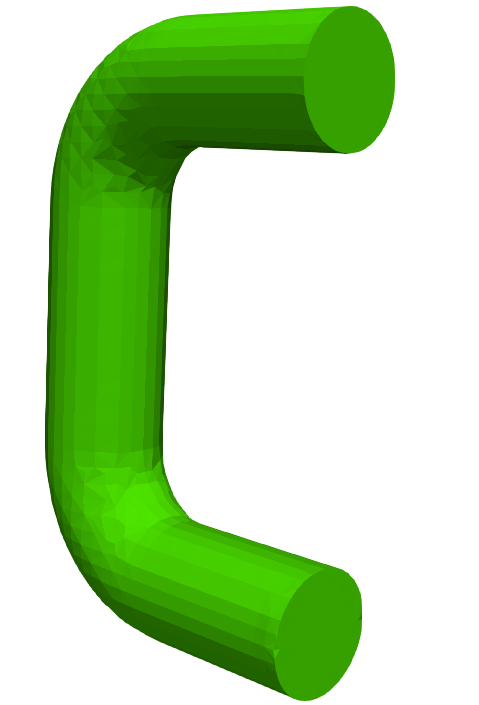
- tolerance – relative distance for points to be attracted by surface, example of two different setups is visualized in Figure

- implicitFeatureSnap – snaps to automatically detected feature edges following the resolveFeatureAngle parameter
- explicitFeatureSnap – snaps to manually generated feature edges, reads the features block
- multiRegionFeatureSnap – snaps to automatically detected boundary edges of each item in refinementSurfaces block
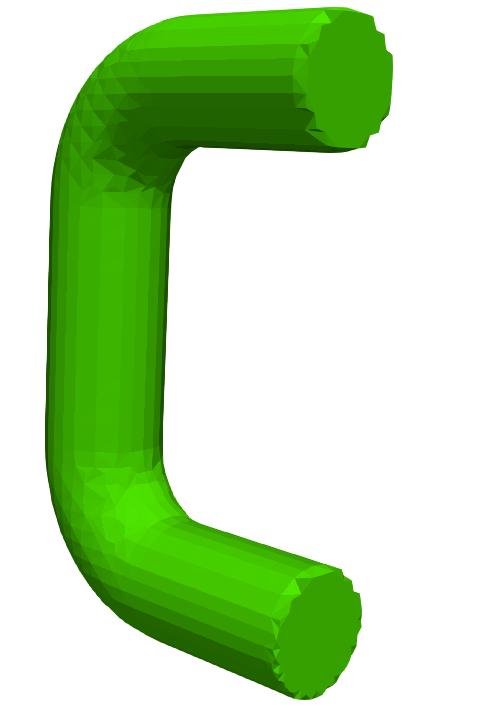
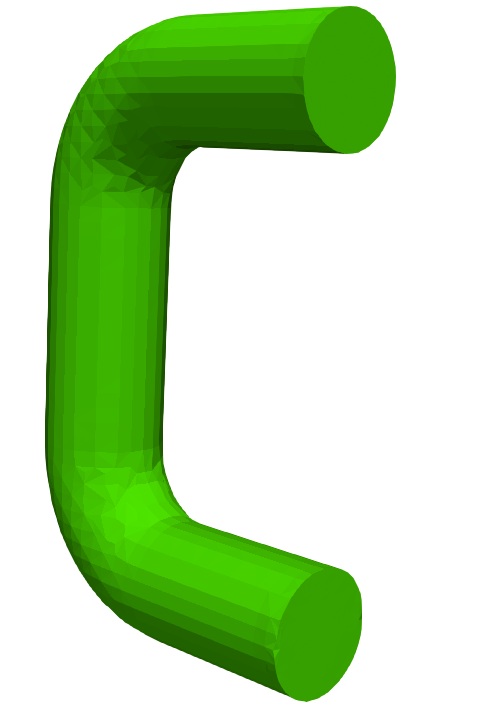
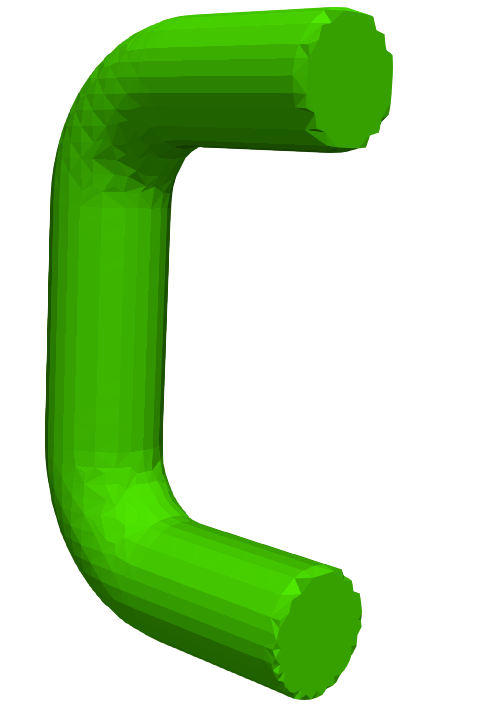
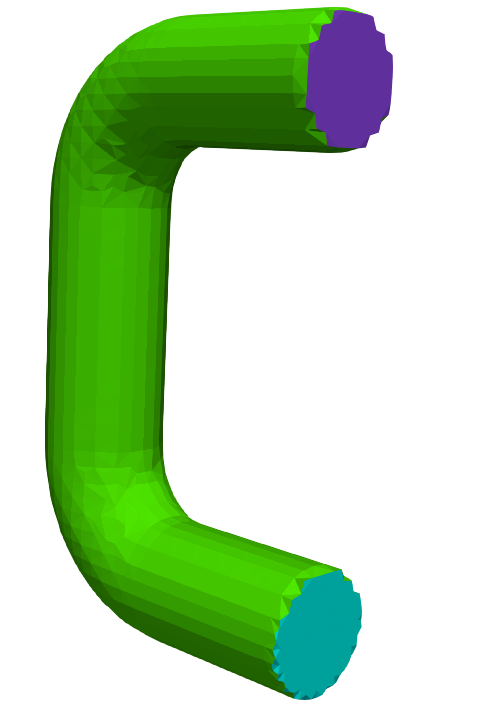
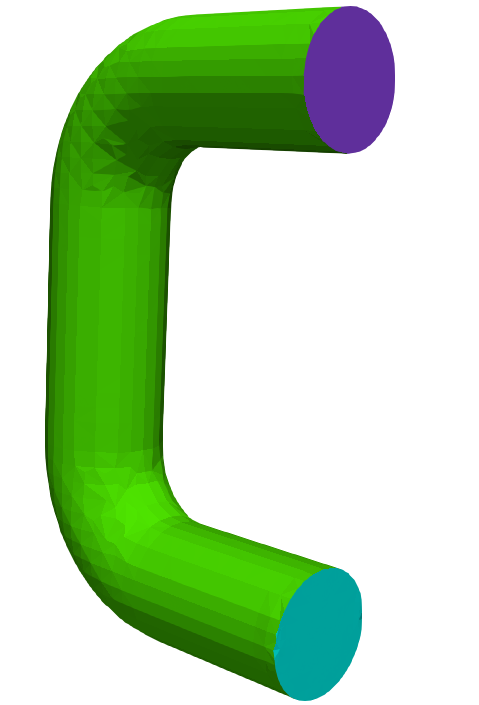
- Example of different setups is depicted in Figure
- The multiRegionFeatureSnap make sense if your object is defined using several separte STLs.
- It is possible to split your object (one STL file) using utilities surfaceAutoPatch and surfaceSplitByPatches:
- Go to constant/triSurface directory and run following commands:
# surfaceAutoPatch C-fine.stl C-fine-split.stl 130
# surfaceSplitByPatch C-fine-split.stl - The number
 is similar to includedAngle parameter in surfaceFeatureExtractDict:
 – no splitting of the surface
 – any triangle will be split into separate patch
- It generates three separate files which can be used for mesh generation, you can update the snappyHexMeshDict in the following way:
geometry
{
    C-fine-split_patch0.stl
    {
        type triSurfaceMesh;
        name C0;
    }
    C-fine-split_patch1.stl
    {
        type triSurfaceMesh;
        name C1;
    }
    C-fine-split_patch2.stl
    {
        type triSurfaceMesh;
        name C2;
    }
    F-fine.stl
    {
        type triSurfaceMesh;
        name F;
    }
refinementSurfaces { "C-*" { level (2 2); patchInfo { type wall; } }layers { "C[0-9]" { nSurfaceLayers 3; expansionRatio 1.5; } - In refinementSurfaces and layers blocks it is allowed to use regular expressions.
- Now we can test different setups of multiRegionFeatureSnap, see Figure . It clearly shows, that multiRegionFeatureSnap is enabled only when explicitFeatureSnap is enabled as well.
- Go to constant/triSurface directory and run following commands:


 OpenFOAM-2.x.x
![[*]](https://www.cfdsupport.com/wp-content/uploads/2022/02/crossref.png)